
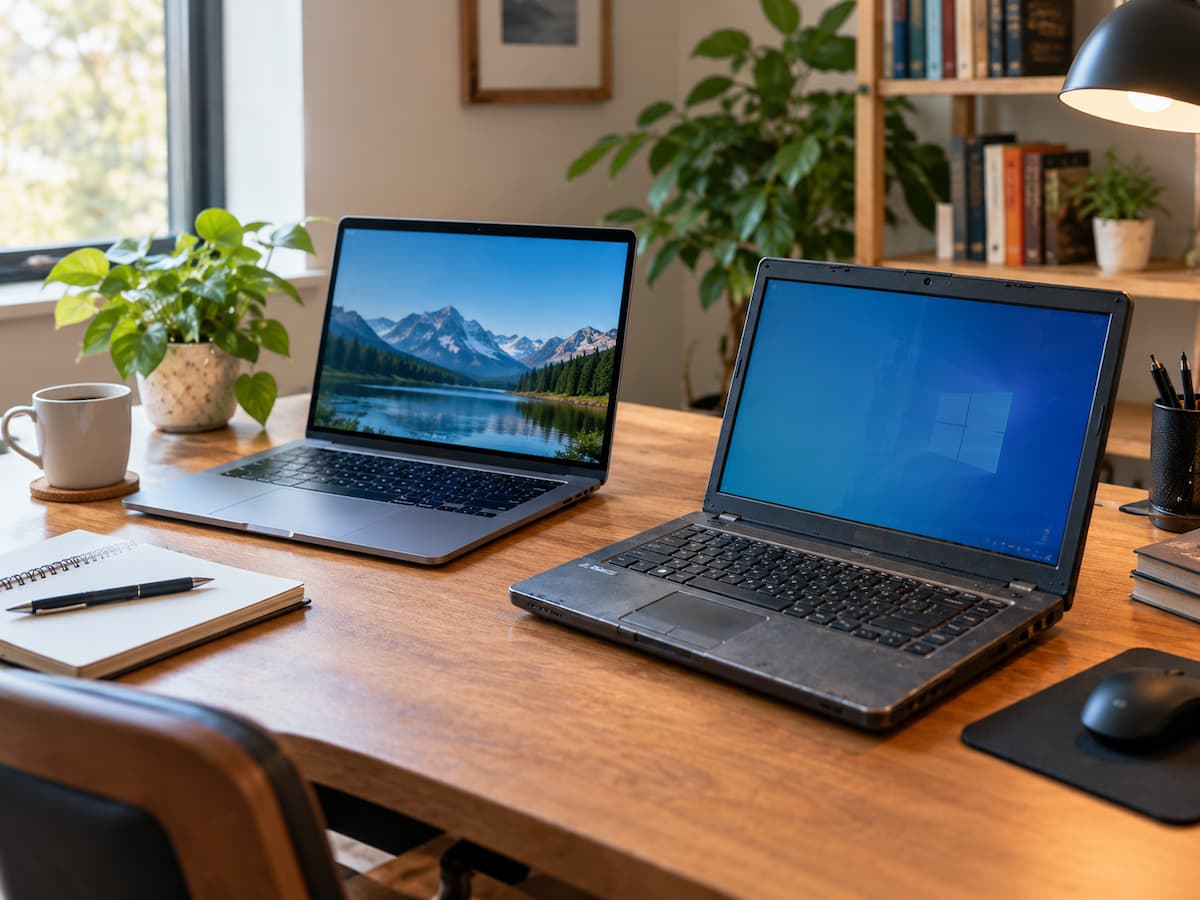
A second computer does not have to be new, powerful or expensive to be useful.
The mistake is judging an older machine as though it still needs to compete with your primary computer.
A computer that feels too slow for demanding work may still be perfectly adequate for a narrow, predictable job.
The better question is:
“What useful task can this computer still perform reliably?”
That shift can help you decide whether keeping an older machine makes sense—or whether it is simply taking up space.
A Second Computer Has a Different Job
Your main computer may handle work, communication, entertainment, creative software, file management and many other tasks.
A second computer does not need to do all of those things.
It can have one defined role.
For example:
- writing and reading
- research and reference material
- basic documents
- media playback
- learning and experimentation
- occasional backup access
- a dedicated application or workflow
Once the workload becomes smaller, the limitations of older hardware may matter much less.
Start With the Job, Not the Hardware
Before deciding to upgrade an old computer, identify the task you actually want it to perform.
Ask:
What do I wish my main computer did less often?
Maybe you want a separate screen for research while working.
Maybe you want a simple machine for writing.
Maybe you want something available if your main computer suddenly needs repair.
Maybe you want a device for learning without experimenting on your primary system.
Once the job is clear, you can check whether the old computer is capable of doing it.
This is more useful than trying to make an old computer “good enough” for everything.
A Simple Computer Can Still Be a Good Writing Machine
Writing is a good example of a task where raw hardware performance may not matter very much.
If an older computer can comfortably handle a word processor, browser and the files you need, it may already be sufficient.
It can become a dedicated place for:
- drafting
- notes
- reading
- planning
- research
- simple document work
A comfortable keyboard, reliable storage and a usable display may be more important for this role than having the newest processor.
Use an Older Computer as a Reference Station
A second machine can also reduce window switching on your main computer.
For example, it might permanently display:
- research material
- instructions
- project notes
- a calendar
- reference documents
- music
- a communication window
The older machine does not need to perform demanding work.
It simply handles information that you want visible while the primary computer does something else.
A Dedicated Media Computer Can Still Be Practical
An older computer may remain useful for basic music or video playback if it can handle the formats and applications you actually use.
This can make sense when the device already has the required ports and is going to remain in one location.
However, do not assume that an old computer can handle every modern video format, streaming service or high-resolution workload.
Test the actual task instead of judging the machine only by its age.
A Second Computer Can Separate Different Kinds of Work
Sometimes the benefit is not performance at all.
It is separation.
You might keep your primary computer focused on professional work while using an older machine for:
- personal browsing
- shopping
- reading
- basic administration
- music
- casual tasks
This can reduce interruptions on the main machine.
It can also make the purpose of each computer easier to understand.
An Older Computer Can Be Useful for Learning
A secondary computer can be a convenient environment for learning and experimentation.
You may want to practise:
- basic programming
- office software
- keyboard shortcuts
- system settings
- file organisation
- a different workflow
Experimenting on a secondary machine can feel less stressful than changing the computer you depend on every day.
It does not eliminate the need for backups or security precautions, but it can give you a separate environment for learning.
Reliability Can Matter More Than Speed
One of the strongest reasons to keep a second computer is contingency.
Your main computer can fail at an inconvenient time.
A broken display, failed drive, charging problem, operating-system issue or repair appointment can temporarily remove it from service.
A secondary computer does not need to replace the primary machine.
It only needs to give you access to enough of your essential work to get through the interruption.
A slower computer that reliably starts may therefore be more useful in an emergency than a faster machine that is difficult to maintain.
But an Old Computer Is Not Automatically a Good Backup
There is an important distinction between a backup computer and a backup of your data.
A second computer can provide another way to work.
It does not automatically protect your files.
Important documents should still have an appropriate backup and recovery strategy.
If you rely on a second machine during an emergency, make sure the files and accounts you actually need can be accessed from it.
Do not discover during a computer failure that the “backup computer” contains none of the information required to continue working.
Check Reliability Before Giving an Old Computer a New Job
Not every old computer deserves a second life.
Look for:
- frequent crashes
- overheating
- failing storage
- charging problems
- serious battery deterioration
- hardware failures
- software that can no longer be supported
A secondary device should reduce problems, not create another maintenance project.
Do Not Upgrade It Until You Know What Is Actually Wrong
An old computer can become a money pit when every limitation is treated as a reason to upgrade.
Before spending money, identify the actual problem.
| Possible upgrade | Question to ask |
|---|---|
| RAM | Does the intended task actually run out of memory? |
| Storage | Is capacity or storage performance the real limitation? |
| Battery | Does the computer need to be portable? |
| Repair | Is the underlying hardware still reliable? |
| Accessories | Do you already have what the new role requires? |
| Software | Is the required software still supported? |
A small, targeted upgrade can make sense.
A long list of repairs and upgrades deserves a comparison with buying a newer used or entry-level computer.
Portability Is Not a Requirement
A second computer does not have to be another laptop.
An older desktop can work well as a stationary machine if portability is irrelevant.
Likewise, an older laptop may be useful at a desk even if its battery is no longer suitable for mobile use, provided the device and battery remain safe.
Choose the form factor based on the job.
Security Can Be the Reason Not to Keep It
A computer can still function while no longer being suitable for important online activity.
If its operating system or browser no longer receives appropriate security updates, be cautious about using it for:
- banking
- password management
- work accounts
- sensitive documents
- important personal information
An unsupported computer may have a useful offline role while being a poor choice for sensitive internet-connected work.
The question is not simply whether the machine turns on.
It is whether its software environment is appropriate for the task.
Consider the Total Cost of Keeping It
Keeping an old computer is not automatically cheaper.
Consider:
- repair costs
- replacement batteries
- storage or memory upgrades
- electricity if it runs continuously
- time spent maintaining it
- software limitations
- the inconvenience of using an unreliable device
The device does not need to be free to be worthwhile.
But its practical value should justify the money and effort required to keep it.
The Best Second Computer May Already Be in Your House
If you need another computer only occasionally, buying a new one may be unnecessary.
An older device sitting in a cupboard may already be capable of the task.
This is particularly relevant for jobs that happen a few times a month rather than every day.
The key is to test the actual workload.
If the old computer performs it comfortably enough, there may be little reason to replace it.
When an Old Computer Should Stay Retired
There is no rule saying every old computer must be repurposed.
Retirement may be the better choice when:
- it fails repeatedly
- important hardware is deteriorating
- the required software is unsupported
- security is no longer appropriate
- repairs cost more than the device is worth
- the computer is uncomfortable or impractical to use
- you have no genuine need for it
Repurposing only makes sense when the new role is useful and the device can perform it safely and reliably.
Use the “Good Enough” Test
Before keeping an old computer, evaluate the actual job.
Task: What exactly will it do?
Frequency: How often will you use it?
Performance: Does it complete that task without excessive waiting?
Reliability: Can you depend on it?
Support: Is the software environment appropriate?
Cost: How much money and effort will it take to keep it useful?
If most answers are favourable, keeping the computer may make sense.
If several answers are negative, retirement may be the better decision.
Keep Its Role Narrow
One of the easiest ways to make an older computer frustrating is to keep adding jobs until it is expected to do everything again.
A better secondary machine often has a narrow purpose.
For example:
Primary computer
→ demanding work

Second computer
→ writing + reference material

Old computer
→ occasional backup access
The exact roles do not matter.
What matters is that the machine has a job it can perform comfortably.
Conclusion
An older computer does not need to compete with a modern one to remain useful.
It may work well as a writing machine, reference station, media device, learning computer or contingency machine.
The decision should be based on the task, reliability, security, cost and actual performance—not simply on how old the hardware is.
At the same time, there is no reason to keep a computer that has become unreliable, unsupported or expensive to maintain.
The best question is simple:
“Does this computer still provide useful value for a specific job?”
If the answer is yes, keeping it may be smarter than replacing it.
Related Guides
If you are deciding whether an older computer should remain in your setup, compare it with Should You Keep Your Old Computer? A Practical Keep-or-Replace Test. Before retiring or replacing it, see What to Do on Your Computer Before Replacing It.
FAQs
1. Is it worth keeping an old computer as a second computer?
It can be, if it performs a useful task reliably without requiring excessive repair or upgrade costs.
2. What can an old computer still be used for?
Possible roles include writing, reading, research, media playback, basic documents, learning, reference material and occasional contingency use. The appropriate role depends on its hardware and software support.
3. Should I upgrade an old computer before keeping it?
Only when a specific upgrade solves a real limitation. Avoid upgrading simply to make an old machine feel like a new one.
4. Is an old computer safe for internet use?
That depends heavily on whether its operating system, browser and other important software still receive appropriate security updates. An unsupported system should not automatically be treated as safe for sensitive online activity.
5. Can a second computer replace a backup?
No. A second computer and a data backup solve different problems. A second machine can provide another way to work, while a backup provides a way to recover data.
6. When should I stop using an old computer?
Consider retiring it when it is unreliable, unsupported, unsafe for the intended task, expensive to repair or simply has no useful role.
7. Does a second computer need to be a laptop?
No. An older desktop can be a useful secondary machine when portability is not important.
3 thoughts on “When Keeping a Second Computer Still Makes Sense”